Memo Desktop and Mobile Downloads
Install Memo on iPhone or iPad, use Android as a web app, or download Memo for your computer.
Written By Jason From Memo
Last updated 19 days ago
iPhone and iPad
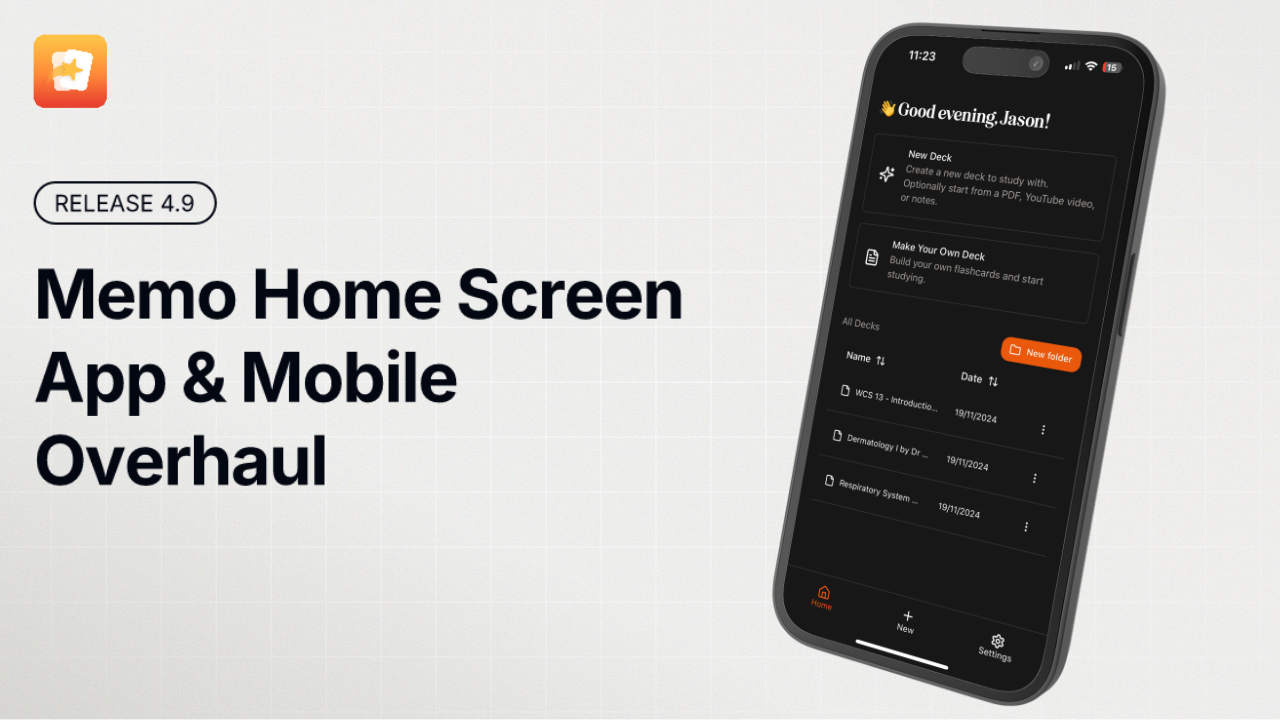
Memo has a native iOS app for iPhone and iPad. Install Memo: AI Flashcards & Notes from the App Store, then sign in with your existing Memo account.
You can also use Memo in Safari. Adding the website to your Home Screen creates a browser-installed web app; it is a separate installation option from the native App Store app.
Android
Use Memo in your mobile browser. To add it to your home screen, open the browser menu and choose Add to Home screen or Install app, then confirm.
Desktop
Open Memo's download page and choose the available download for your computer. You can also use Memo directly in a web browser without installing anything.
Use the same account across devices
Sign in using the same Memo account and sign-in method on each device. You do not need a separate account for the iOS app.
I paid on one device, but another shows Free
Check that both devices are signed in to the same Memo account. If you purchased through Apple, check the subscription under your Apple Account and use Restore Purchases in Memo if available. If access is still missing, contact support with your receipt and account details before purchasing again.